
Two invoice books for two kinds of customers
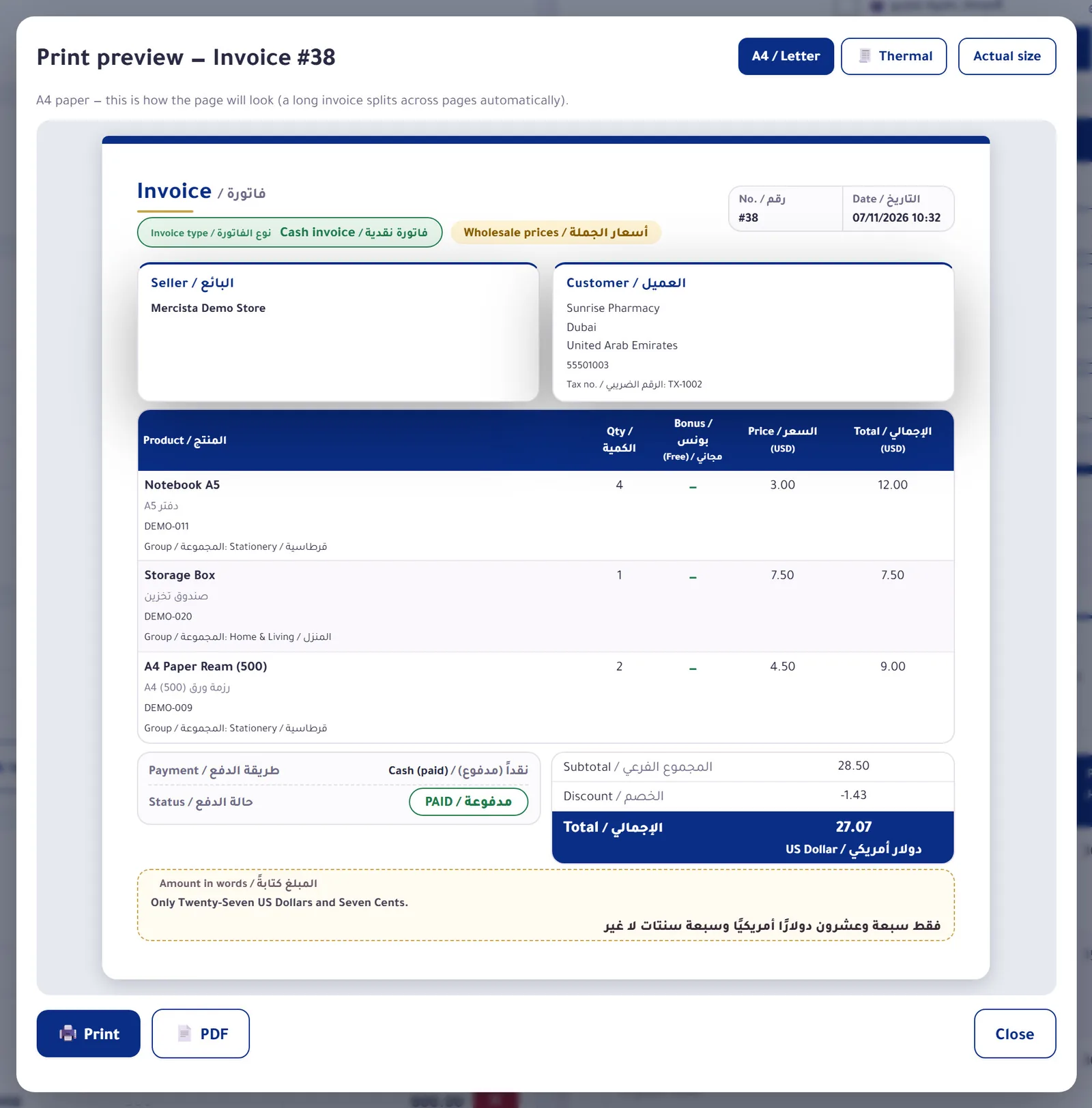
One invoice serves the local customer and the foreign trader: every heading and item name is printed in both languages.
Arabic and English, Arabic and French, or any two of 18 languages: headings, columns, item names and your company details appear in both, on A4 or on a thermal receipt.
One invoice serves the local customer and the foreign trader: every heading and item name is printed in both languages.
Choose the second language once in the settings; every new invoice, quote and receipt uses the pair.
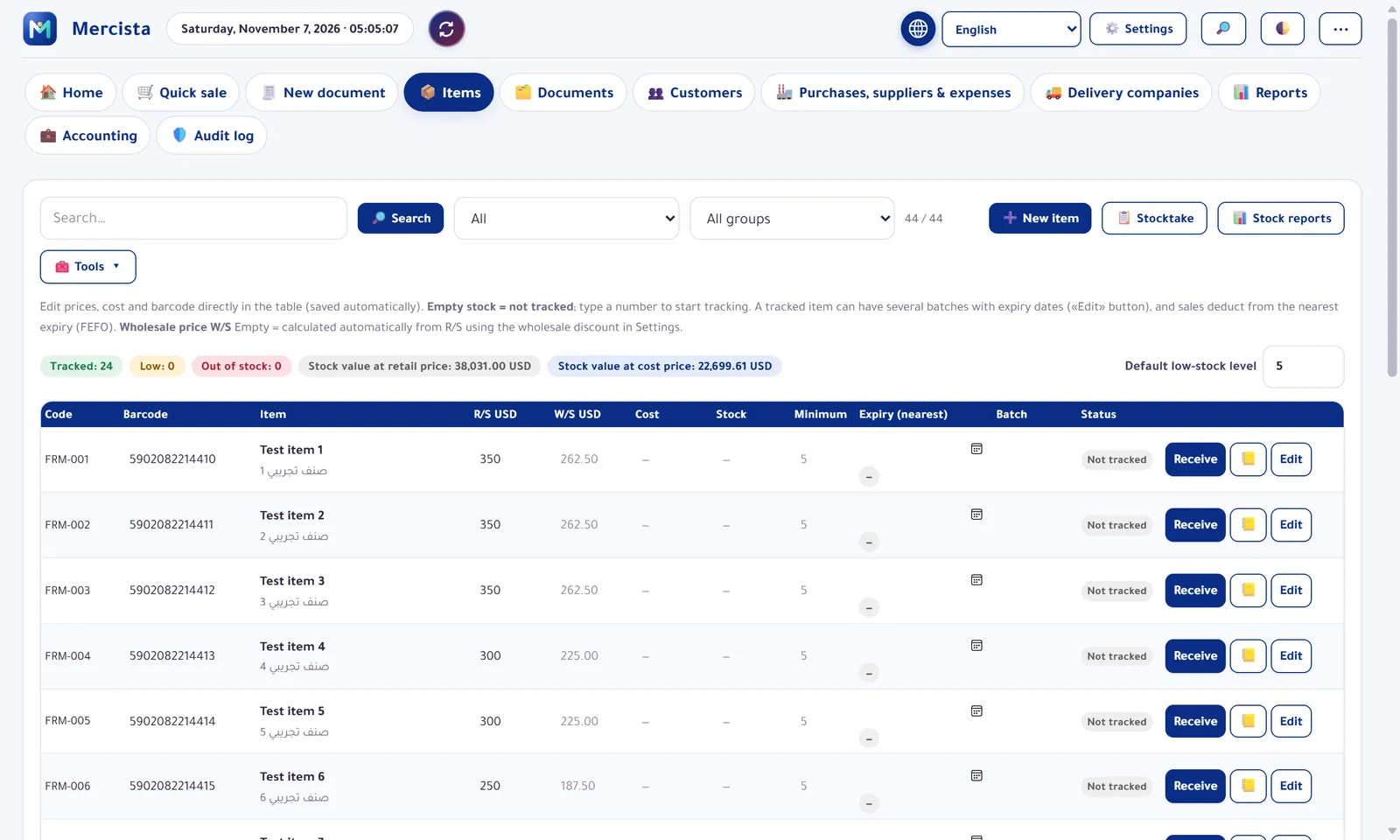
Enter each item's name and your company's details once in each language; Mercista prints the right one in the right place.
For shops and traders who deal in two languages every day.
Arabic-English in the Gulf and the Levant, Arabic-French in the Maghreb.
Yes. Set the documents to Bilingual and choose French (or English, or another language) as the second language; the invoice shows both.
Only if you want the second name. Each item has a field for the second language; when it is empty, the main name is used.
Yes. Receipts on 80 mm thermal printers can be bilingual too, and print on any Windows printer.
You can try every feature free for 7 days or 100 operations. Then you buy a lifetime licence once; there is no subscription.
How many computers?
Every plan includes free updates for life, automatic backups and e-invoice export, with no monthly fee.
Install it, choose Bilingual in the document settings, add an item with two names and print.